
- Sign in with Google, X, or email
- Pick a plan (both start with a 7-day trial)
- Claim your D0 agent on Telegram and wait for the environment
- Deposit, or switch to Paper and start with virtual funds
Step 1: Sign in
Open d0.getdonut.ai. The sign-in page offers Continue with Google, Continue with X, or Continue with email. There is no wallet to set up and nothing to write down: D0’s accounts are created for you and secured by Turnkey.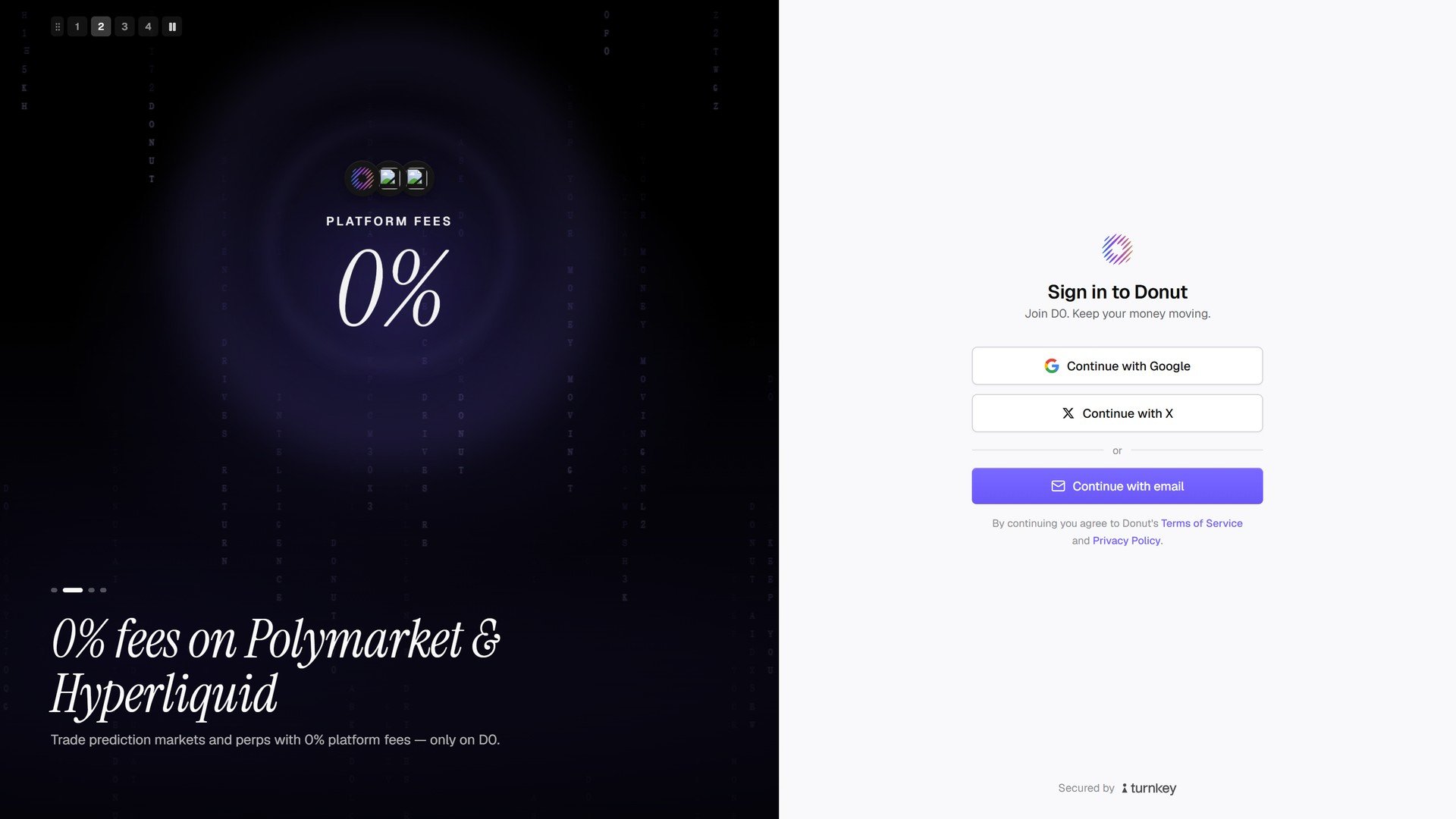
Sign in to Donut.
Step 2: The first run and the plan
On first launch D0 introduces itself in three scenes (Your rules. Always running. / Find the signal in the noise. / Be the pilot.), then offers the trial card and a short tour of the console (Show me around).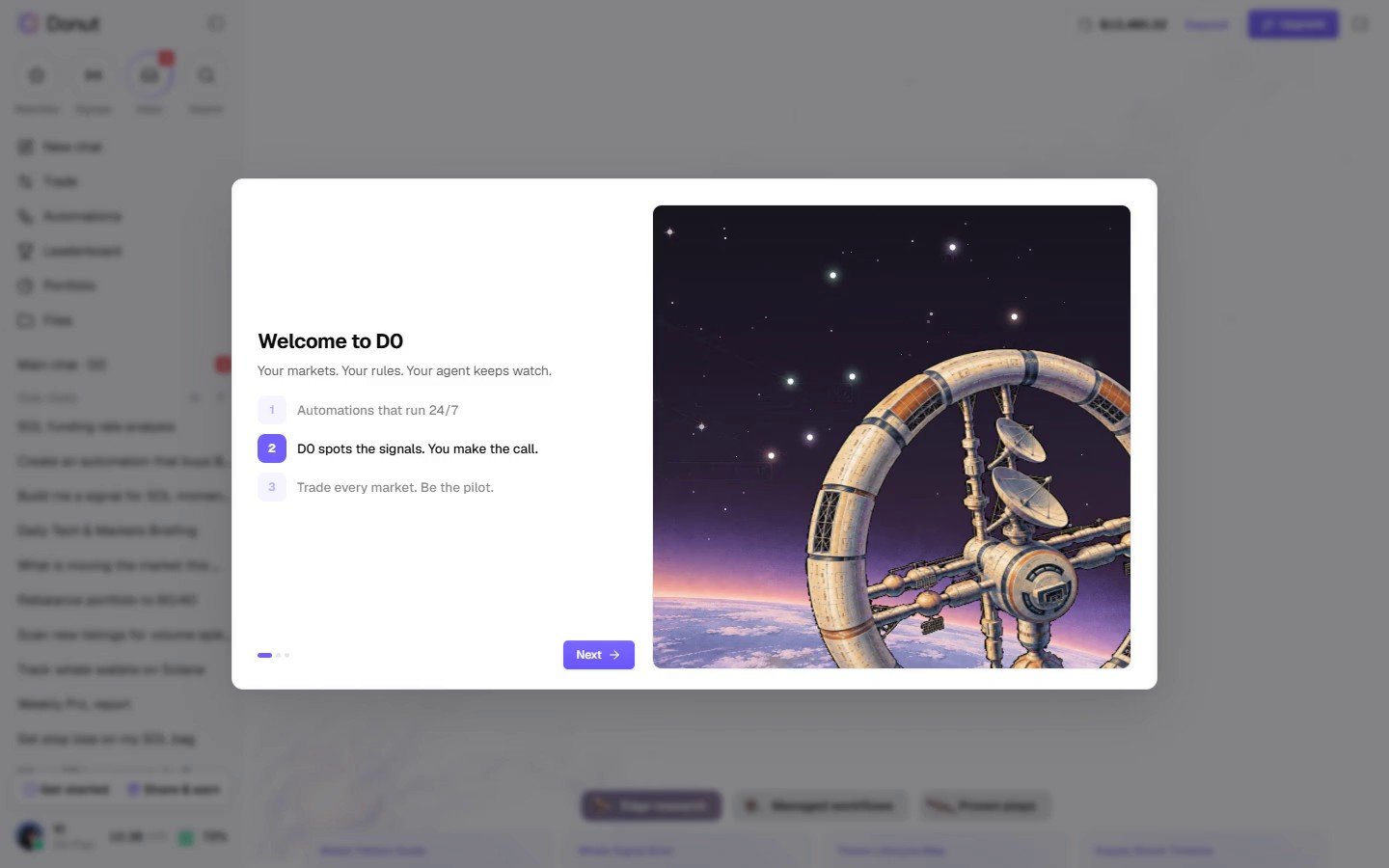
Welcome to D0.
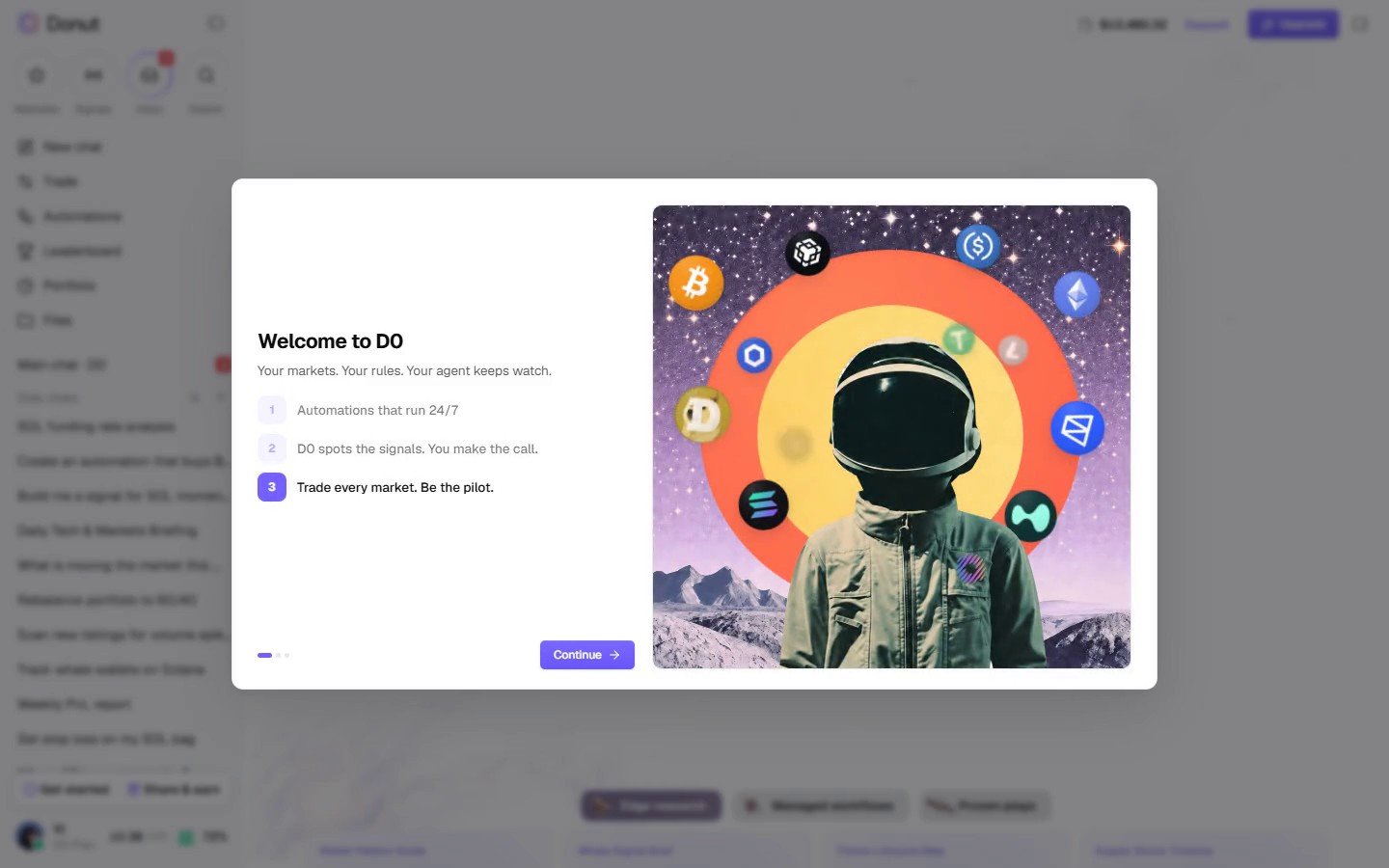
Start with 7 days free.
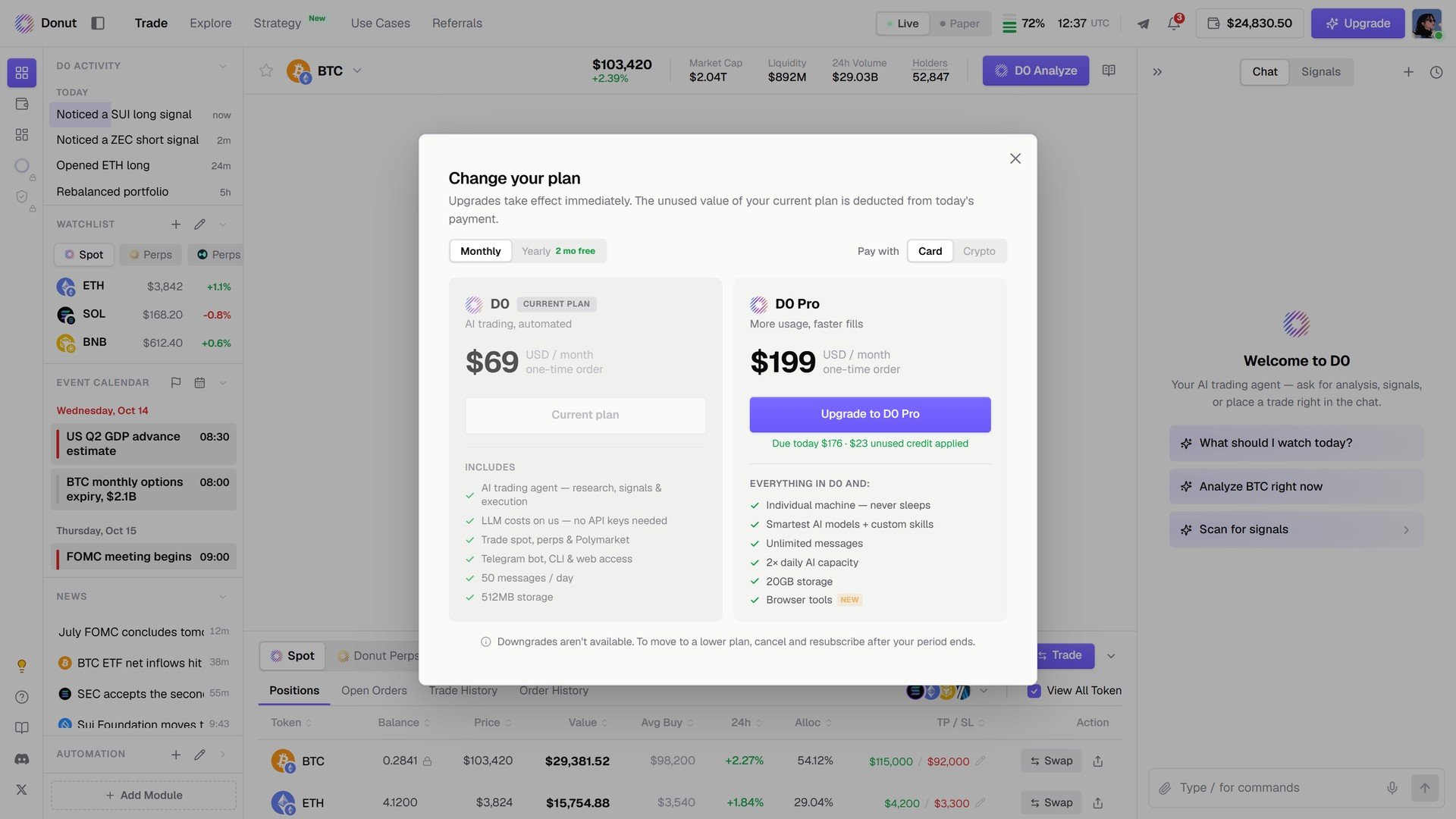
Choose your plan. The same screen is reachable later from Upgrade in the top bar.
Step 3: Claim your agent
After the plan, Claim your D0 Agent assigns your agent and links it to your Telegram account: click Continue, open the bot in Telegram, tap Start, and the card shows your agent’s handle as Claimed. Then Setting up your environment runs on its own (Environment launched, Gateway connected, Agent online), which takes a minute or two. The details and the error messages are in Connect Telegram. From there the console opens on the Trade view.Step 4: Fund the account, or don’t yet
- Deposit: the last onboarding step, Add funds to start trading, shows the address and QR code; it can be skipped. Later, open Portfolio in the left rail and click Deposit. See Portfolio Overview.
- Paper first: flip the Live / Paper toggle in the top bar and claim $100,000 in virtual funds. See Live vs Paper Mode.