Most of the time D0 previews a trade and waits for you to confirm. Automated Trading flips that: you set the rules once, and D0 executes within them. It is off until you turn it on, and soft phrasing like “can you handle this for me?” does not switch it on; see Risk Controls for how permission levels work. It is different from Signals, which show you entries to act on yourself.

Two ways to delegate

  • Run a strategy. Open Strategy, pick a strategy from the library, click Run strategy, and set Leverage, Capital per signal, and a Daily loss cap. D0 then takes that strategy’s signals on your rules. See Run a Strategy: Position Management.
  • Delegate in chat. Tell D0 to execute without asking (“just execute, don’t ask me”) and set the constraints below. D0 then forms its own decisions across your holdings.
Either way, rehearse in Paper first: the Live / Paper toggle gives you the same console with virtual funds. See Live vs Paper Mode.

The rules you set

Defaults are deliberately loose, so set them to match how much rope you actually want to give the agent. The backend enforces these on every trade; they are not suggestions offered to the AI.

How it runs
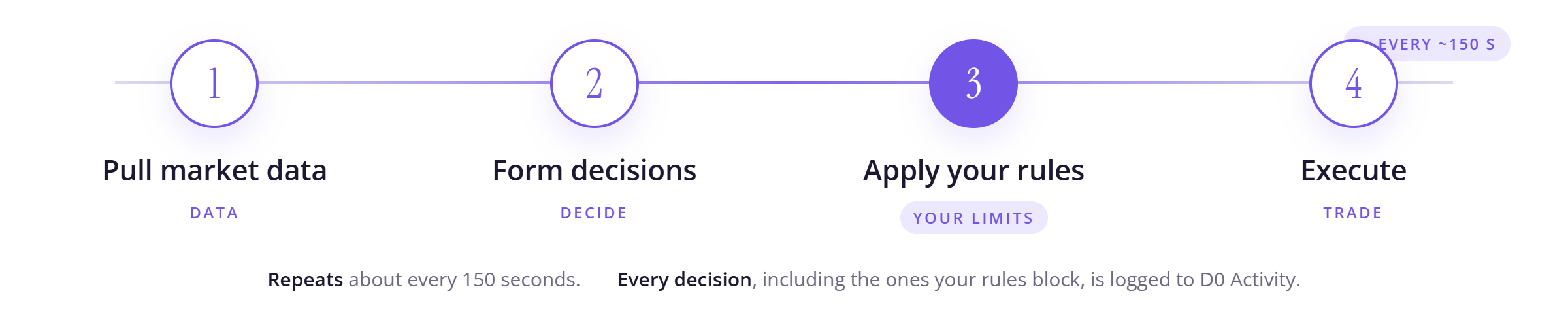
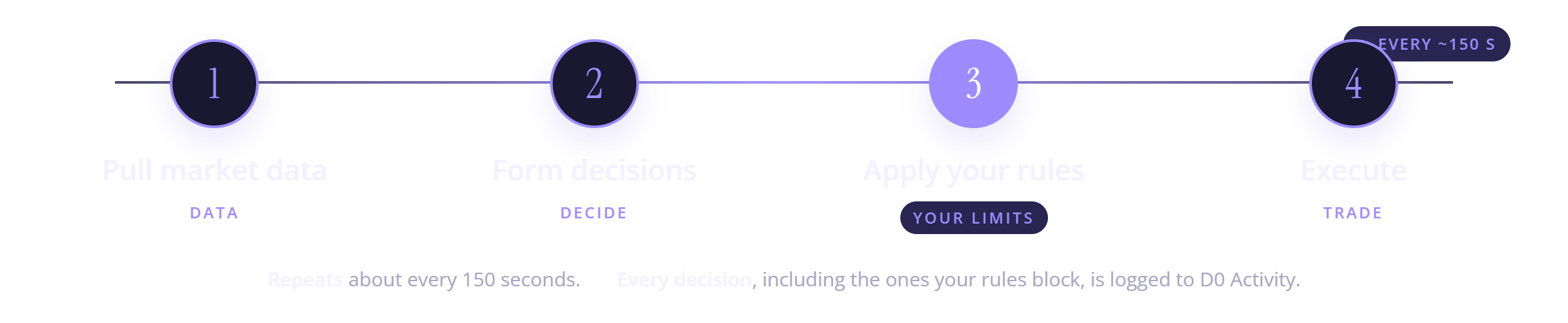
The automated trading loop: pull market data, form decisions, apply your rules, execute with TP/SL, every 150 secondsThe automated trading loop: pull market data, form decisions, apply your rules, execute with TP/SL, every 150 seconds
The loop repeats about every 150 seconds, so the agent reacts on that cadence rather than tick by tick. Every decision, including the ones your rules block, is logged to D0 Activity in the left panel.
You can also point the agent at your own exchange testnet account (for example Binance Futures or Hyperliquid testnet) to dry-run a strategy before committing real funds.

Stopping

Turning off authorization is not the same as closing your positions. Positions the agent already opened stay open and in-flight trades keep going. If you want to be flat, close positions and cancel orders yourself after turning it off.

Tips

  • Start tight. Set a real allocation cap and leverage ceiling before you enable it.
  • Check in on positions. The agent attaches TP/SL, but you still own the risk. Review what it is holding in the Positions tabs.