
Setting an alert
Tell D0 in plain English, or start with /alert in the composer:“Alert me when SOL goes above $150”
“Notify me if BTC drops below $90,000”After a market read, the Set alert at the reclaim level action does the same with the level prefilled.
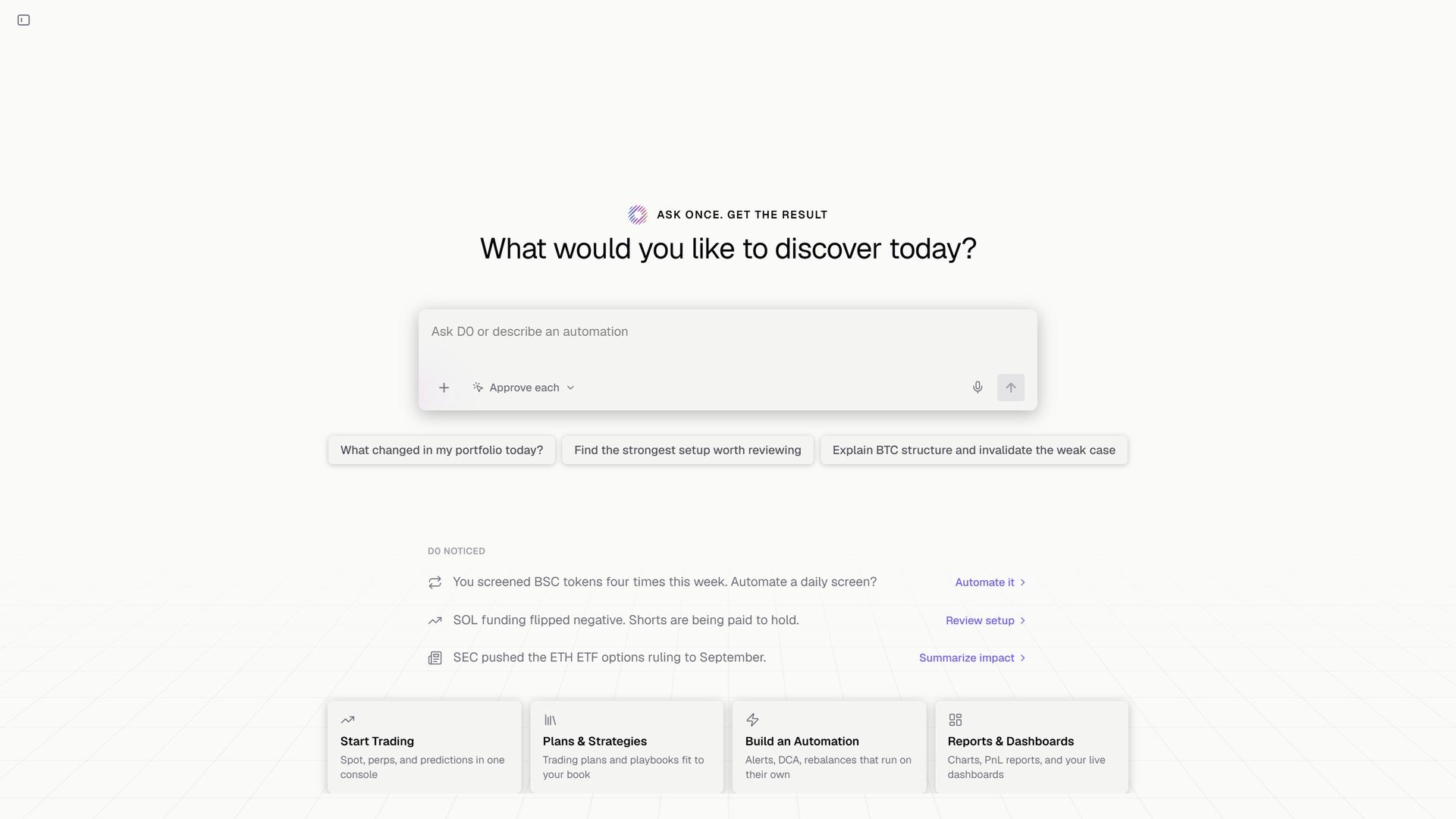
Describe an alert in chat; it lands in the Automation module.
D0: ”🔔 Price Alert Triggered! SOL just dropped below your target of $120.00. Current price: $119.72 (-15.9% from when the alert was set).”By default an alert fires once and dismisses itself. Ask for a repeating one (every time SOL crosses $190) and it is rate-limited to one per hour.
Where it reaches you
On the D0 plan, alerts pause while your agent’s machine sleeps and resume when it wakes; see Sleep and Wake.
Managing alerts
Every alert is a row in the Automation module of the left panel (add it with + Add Module if it isn’t showing), with a toggle to pause it. In chat:
You can stack several alerts on the same token at different levels.
Tips
- Set them at key levels. Support and resistance from a chart read, and round numbers like $100 or $10,000 where price tends to stall or bounce.
- Set both sides. For a token you hold, one alert above for profit-taking and one below for stop-loss consideration.
- Follow up. When an alert fires, ask D0 to analyze the token right away.
- Need more than one number? Conditions that combine several figures (only ping me if BTC breaks 60000 and 24h OI drops more than 5%) are scheduled tasks. See Scheduled Tasks & Custom Automations.